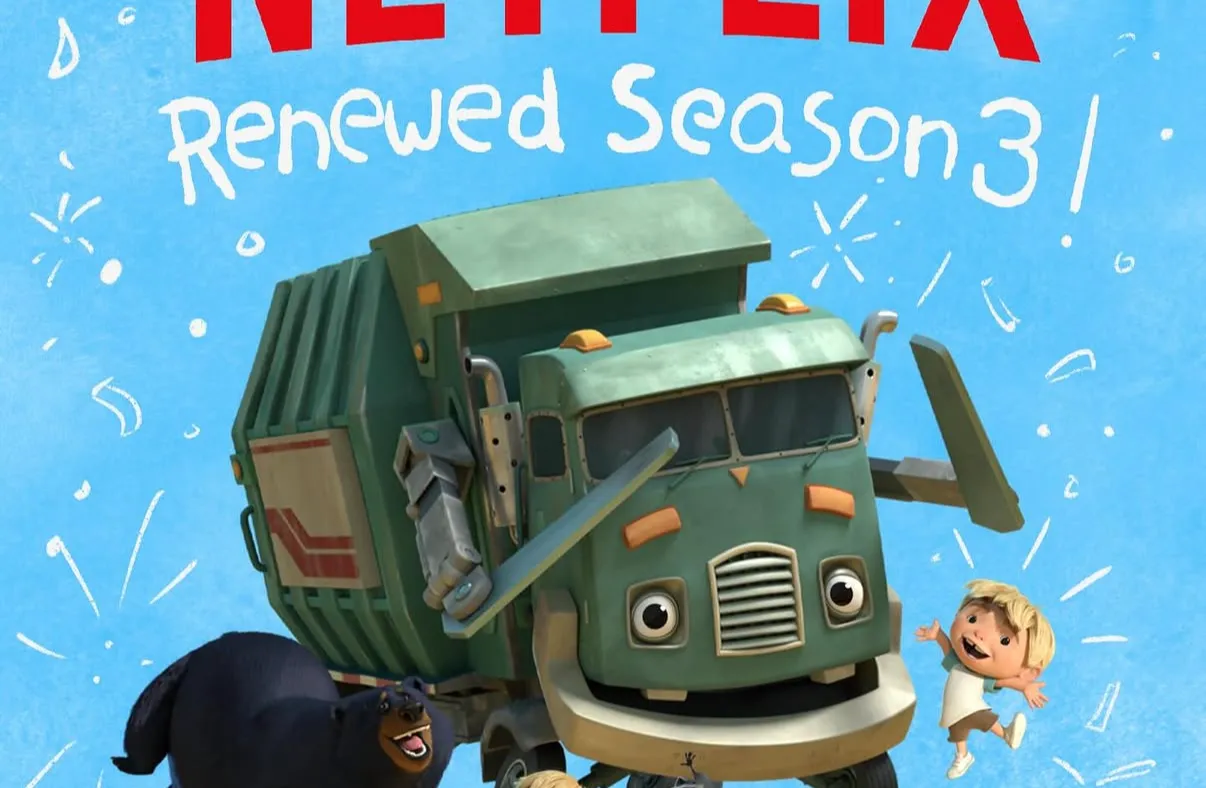
Let’s be honest: screen time happens. While we do our best to limit TV, there are evenings when I’m finishing up dinner, the kitchen is chaotic, and putting on an episode of Trash Truck—or El Gran Camión—is an absolute lifesaver.
When we do turn on the TV, my main goal is to make sure it actively supports our bilingual journey without overstimulating the kids. Fast cuts, loud noises, and erratic pacing can leave kids melty and overwhelmed. Instead, I search for slow, low-stimulation shows where I can seamlessly toggle on high-quality Spanish dubbing.
Here are our top go-to shows right now that give us gentle entertainment in Spanish!
1. Trash Truck (El Gran Camión) – Netflix
If you haven’t watched Trash Truck yet, this is your sign. It follows a young boy named Hank and his best friend, a giant, gentle trash truck. The pacing is deliberate, the music is soft, and the dialogue is grounded in everyday language—making the Spanish dub feel very natural and easy for young learners to digest.
2. Stillwater – Apple TV+
Apple TV+ has quickly become one of my favorite platforms for language exposure. Not only do they have incredible production quality, but they often offer distinct audio settings for Spanish (Spain) or Spanish (Latin America), which is fantastic depending on the accent or dialect you’re targeting.
Stillwater, which follows three siblings and their wise neighbor panda, is like a warm cup of tea for your kids’ brains. The Spanish dialogue is calm, mindful, and rich with helpful vocabulary about feelings and problem-solving.
3. The Snoopy Show & Charlie Brown – Apple TV+
Another Apple TV+ favorite for us is the Charlie Brown universe. These classic, gentle stories feature natural conversations, recognizable storylines, and simple sound design. Toggling to the Spanish dub offers great context clues for kids because the action moves at a manageable speed.
4. Teletubbies (The Reboot) – Netflix
Hear me out! The Teletubbies reboot is fantastic for early language learners. Because the show relies on clear repetition, slow movements, and foundational vocabulary (colors, basic objects, greetings), listening to it in Spanish works like a dream. Kids can pick up key words without feeling overwhelmed by complex plots.
5. Bear in the Big Blue House – Disney+
Bear in the Big Blue House brings pure nostalgia for us, but it’s also a masterclass in slow-paced children’s television. Bear speaks directly to the camera in a warm, slow-paced cadence, which translates beautifully into Spanish. It covers daily routines—brushing teeth, taking a bath, bedtime—which gives us high-frequency vocabulary we actually use around the house.
Key Takeaway for Your Language Journey
You don’t need fancy educational apps to integrate language learning into your day. Swapping the audio track on calm, low-stimulation shows allows your kids to absorb the rhythm and vocabulary of Spanish while keeping their nervous systems regulated.
How to Set Spanish Audio as Default on Streaming Apps
If you don’t want to manually change the language every time you hit play, you can set your preferences directly in your streaming apps so shows play in Spanish automatically whenever available.
Netflix
- Open Account Settings: Use a web browser or the Netflix mobile app, navigate to your profile icon, and select Account or Manage Profiles.
- Set Audio & Subtitle Language: Select the profile your kids use, navigate to Audio & Subtitle Languages (or Shows & Movies Languages), and select Spanish as your preferred audio.
- Save Your Preferences: Save the changes. Netflix will now automatically play Spanish audio whenever a Spanish dub is available for that title.
Disney+
- Edit Profile: Click your profile icon on the home screen and select Edit Profiles.
- Select Your Kids’ Profile: Choose the profile you want to set default languages for.
- Adjust App or Audio Settings: Look for App Language or Audio Language settings and choose Spanish. Disney+ remembers your last-used audio selection across shows.
Apple TV+
- Open System Settings: On your Apple TV streaming box or device, open the main Settings app.
- Go to Video and Audio: Scroll down and select Video and Audio.
- Set Default Audio Language: Select Audio Language and pick Spanish (or Spanish - Latin America / Spain depending on your preference). The Apple TV app will prioritize Spanish audio automatically across all shows.
Key Takeaway for Your Language Journey
You don’t need fancy educational apps to integrate language learning into your day. Swapping the audio track on calm, low-stimulation shows allows your kids to absorb the rhythm and vocabulary of Spanish while keeping their nervous systems regulated.
- Trash truck